A practical home desk setup
Set up your desk for the work you actually do. A laptop-and-notebook desk has different needs from a desk used mostly for video calls. Start by making room for one typical task, then see what still gets in your way.
Start here
- Clear one work surface · 5 minPut back your laptop and the things you reach for each day. Move spares into a drawer or a box.
- Set up a real task · 5 minOpen your notebook, connect the charger and move your mouse as you normally would.
- Mark the spare space · 5 minUse a ruler or tape measure and note where cables, drawers and monitor stands limit the space.
As an Amazon Associate I earn from qualifying purchases. Product pictures below are labelled illustrations of use. Check the current Amazon listing for exact specifications, availability and price.
Measure the gap after the cables are plugged in
Leave room for a charging plug, the laptop lid and your mouse movement. Then measure the empty area left for accessories. Mark the tray or lamp footprint on paper and put it in the spot for a work session.
For a desk with a shallow drawer, measure the inside depth and height before buying an insert. Compare the organiser’s outside dimensions against the drawer and its inside dimensions against the items it needs to hold.
Give frequently used things one home
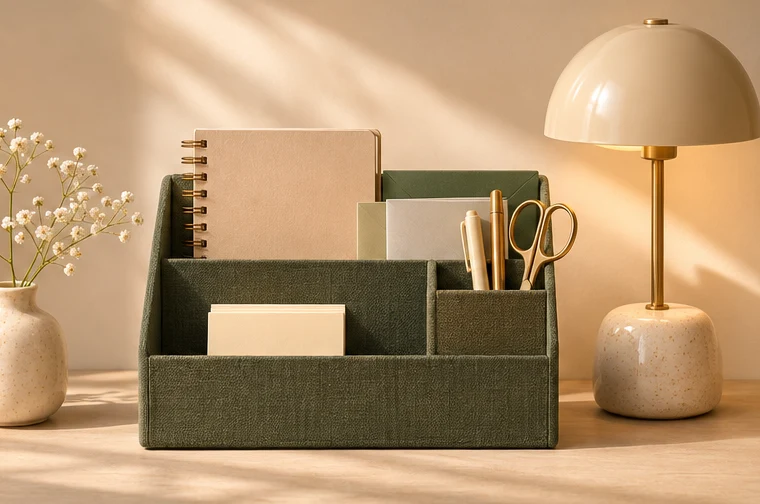
Choose an open tray for items you pick up throughout the day, such as a pen, earbuds or a charger. Use a small divider only where items tangle or get buried. Try a spare lid or a small box for a week, then decide which dimensions are worth paying for.
Check the lamp where you actually work
Use a lamp you already have and test it at the time of day you usually work. Move it to each side and see where your writing hand casts the smallest shadow. Look at the screen from your chair to check for reflections.
When shopping, compare the lamp’s base width, reach, direction of adjustment and switch placement. For a clamp lamp, check the allowed desk thickness and whether the apron, drawer or wall leaves enough room for the clamp.
Tidy cables without losing access
Group the cables you rarely unplug and leave the daily charging cable easy to reach. Check that the cable reaches the socket after you route it behind the desk and still has enough slack for your normal laptop position. A reusable tie or small clip can keep an unplugged end from falling behind the desk.
Make it easy to reset at the end of the day
Put the notebook back in its usual place, clear used cups and write tomorrow’s first task on the top page. If the same item keeps getting in the way, move its storage spot before buying another organiser.